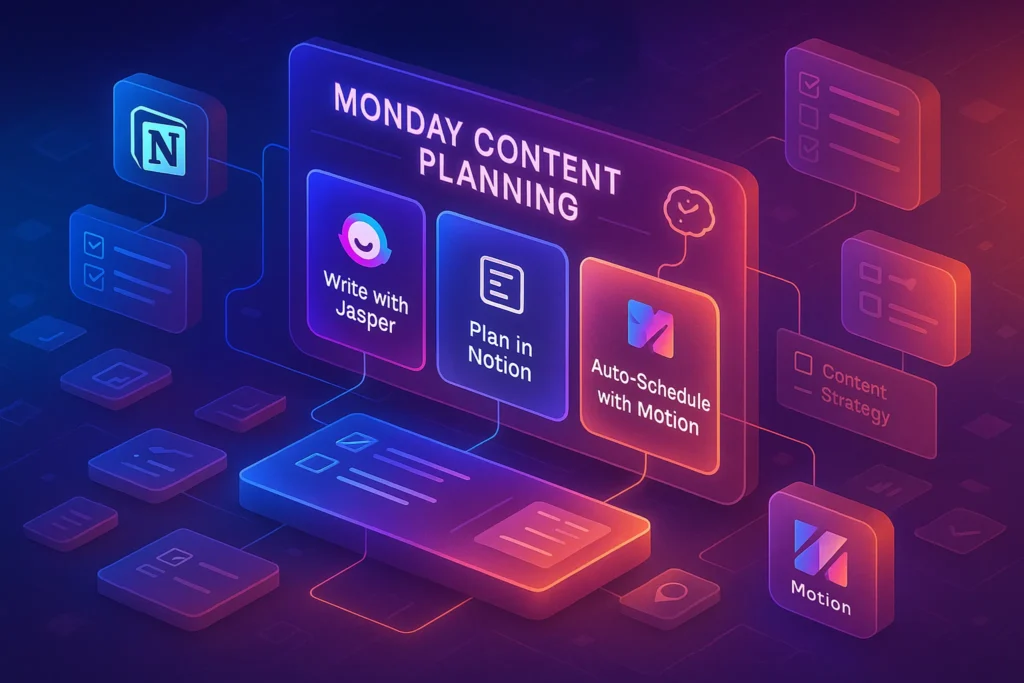
Why This Toolkit Exists (And Why Tool Lists Fail)
Most “best content calendar tools” pages fail for one simple reason:
they assume the tool creates consistency.
It doesn’t.
Consistency comes from a system you’ll still use when motivation drops—one that supports themes, weekly sprints, approvals, and repurposing without forcing you to duct-tape five different apps together.
By 2026, content isn’t just about publishing. It’s about content operations:
ideas flowing into briefs, drafts moving through reviews, assets staying organized, and outputs being reused intelligently across channels. When tools fight that flow, people quietly abandon them.
This page exists to solve one decision:
“What single setup can actually run my content calendar—without becoming another job?”
That’s why this is setup-first, tool-second.
No hype. No top-10 noise. Just systems that people stick with.
You don’t need more tools to manage content in 2026—you need one system that can run your entire calendar end to end. This toolkit helps you choose the right setup based on how you work (solo, team, or agency), so planning, approvals, and publishing actually happen without tool chaos.
💡 Nerd Tip: The best tool isn’t the one with the most features—it’s the one that disappears while you work.
Choose Your 2026 Content Calendar Setup
Different workflows break in different places.
Pick the lane that matches how you actually work—not how productivity blogs say you should.
👤 Solo Creator Toolkit
One Workspace. Minimal Overhead. Maximum Shipping.
If you’re a solo creator, blogger, or indie builder, your biggest enemy isn’t lack of ideas—it’s context switching. Every extra tool increases friction, and friction kills momentum.
The solo creator setup works best when everything lives in one home base:
your ideas, calendar, drafts, weekly sprints, and repurpose notes. The goal isn’t perfection—it’s a system that opens fast and tells you what to do next.
What This Setup Is Best For
-
Running monthly content grids and weekly sprints
-
Reusing the same templates every quarter
-
Keeping planning and execution in one place
-
Light automation without complexity
Where It Breaks
This setup struggles if:
-
multiple people need structured approvals
-
you manage several brands or clients
-
you need detailed reporting across teams
Why It Fits the 2026 Templates
Template-first calendars thrive when duplication is easy. A solo workspace lets you clone quarterly maps, monthly grids, and sprint boards without rebuilding your thinking every time. That’s how consistency compounds.
⚡ Solo Creator Recommendation
For most solo creators, a single workspace like Notion is enough to run quarterly themes, monthly grids, and weekly sprints—without context switching.
👥 Small Team Toolkit
Clear Ownership. Fewer Bottlenecks. Faster Publishing.
Small teams don’t fail because of lack of effort—they fail because work gets stuck between people. Drafts wait for feedback. Feedback gets lost. Publishing slips quietly.
The right setup for a 2–10 person team makes ownership, status, and approvals visible at all times. Everyone knows what stage content is in—and who’s responsible for moving it forward.
What This Setup Is Best For
-
Weekly production sprints with handoffs
-
Clear approval and review stages
-
Shared asset and link management
-
Predictable publishing cadence
Where It Breaks
This setup can feel heavy if:
-
you’re truly solo
-
you publish very infrequently
-
you resist any structure at all
Why It Fits the 2026 Templates
Approval workflows are baked into the templates—not added later. When tools support states like “Draft → Review → Approved → Scheduled,” content stops stalling in invisible limbo.
💡 Nerd Tip: In teams, clarity beats speed. A slower system that everyone understands ships more than a fast one nobody trusts.
👥 Small Team Recommendation
Look for tools that make approvals explicit—assigned reviewers, visible states, and comment history in one place. If a tool reduces “Did you see my message?” moments, it’s doing real work for your team.
“Some teams prefer ClickUp’s depth; others move faster in Monday’s visual boards. Both support approvals—the difference is how much structure you want.”
🏢 Agency & Multi-Brand Toolkit
Scale Without Losing Control (or Your Sanity)
Agencies and multi-brand operators live in a different reality. You’re not running a calendar—you’re running many calendars at once, each with different goals, voices, and stakeholders.
Here, the winning setup prioritizes separation without fragmentation: one system that can handle multiple brands, client approvals, and reporting without forcing you to rebuild workflows for every account.
What This Setup Is Best For
-
Multiple clients or brands
-
Separate calendars under one roof
-
Client-friendly approval flows
-
Performance tracking by brand or campaign
Where It Breaks
This setup can feel like overkill if:
-
you manage only one brand
-
approvals are informal
-
reporting isn’t important yet
Why It Fits the 2026 Templates
The same quarterly and monthly templates apply—just filtered by brand. When tools support segmentation cleanly, scaling doesn’t mean chaos.
💡 Nerd Tip: Agencies scale systems, not hustle. If every client needs a custom workflow, growth will hurt.
🏢 Agency Recommendation
Prioritize tools that support multiple calendars, permission levels, and client-visible approvals. The right system lets you scale brands without duplicating chaos.
“Agencies usually break tools before tools break them. Systems that support multiple calendars and permissions scale better than ‘all-in-one’ promises.”
🤖 The Automation & AI Assist Layer (Optional—but Powerful)
Automation should support your calendar—not redesign it.
In 2026, the highest-ROI automations are:
-
recurring sprint creation
-
deadline-based reminders
-
brief generation prompts
-
repurpose task generation after publishing
What fails most often is over-automation: brittle flows that break the moment reality changes. This toolkit favors boring, reliable automation that respects your templates and capacity.
⚠️ Real-world failure note:
Even advanced AI setups can confidently generate plans that ignore workload limits, approval time, or editing depth. Automation works best inside a clear structure—not as a replacement for one.
🤖 Add an AI Assist Layer
If your templates are stable, AI tools can save time on briefs, reminders, and repurposing. The key is choosing automation that respects your workflow—not tools that try to reinvent it.
“Automation should reduce decisions—not create brittle workflows.”
🧠 Nerd Verdict
The best content calendar in 2026 isn’t about planning more—it’s about deciding less. When your system supports themes, sprints, approvals, and repurposing in one place, consistency stops being a personal struggle and becomes a structural outcome. Tools should fade into the background. If they don’t, they’re the wrong tools.
💬 Would You Bite?
If you had to commit today:
would you choose one all-in-one workspace or a structured team system with approvals?
Your answer says more about your growth stage than your productivity style.
Crafted by NerdChips for creators and teams who want their best ideas to travel the world.