🎯 Intro
Hybrid work looks simple—split your time between home and office—but anyone who’s lived it knows the hidden friction. Meetings multiply. Context switching shreds focus. Files and decisions scatter across apps and locations. The solution isn’t “more tools.” It’s the right stack, tuned for hybrid rhythms, where your calendar defends deep work, handoffs are effortless, and meetings happen when they actually help. In this guide, we’ll assemble your 2025 essential stack—tools that reduce noise, protect attention, and keep the workflow seamless wherever you open your laptop. Along the way we’ll weave in pragmatic strategies from NerdChips and link to deeper plays—like Hybrid Work Mastery: Thriving Between Home and Office—so you can evolve both the system and the stack in tandem.
🧭 Context: Who This Is For
This guide is built for knowledge workers, team leads, and operators who split their week across home and office and feel the strain of coordination debt. If you’ve ever sat through a meeting that could have been an async update, or worked late because your calendar scattered focus into five-minute fragments, you’re in the right place. We’ll focus on practical workflows across scheduling, tasks, collaboration, focus, and file systems—with a strong emphasis on AI enhancements that actually move the needle. If you’re also responsible for team standards—onboarding, adoption, and governance—keep an eye on the integration and security notes; hybrid excellence isn’t just personal productivity, it’s organizational reliability. When you need the strategic side of culture and norms, pair this piece with our playbook on Hybrid Work Mastery to align tools with behavior.
🛠️ Why Hybrid Work Needs Its Own Toolstack
Hybrid isn’t just remote with optional office days—it’s a distinct operating model with three hard problems. First, context switching explodes: commuting compresses your mornings, in-office days invite spontaneous syncs, and home days risk unraveling amid domestic interruptions. If the stack doesn’t protect deep work, output becomes fragmented. Second, synchronous vs. asynchronous balance becomes mission critical. Office days privilege real-time conversations; home days shine when teams lean into written decisions, clear checklists, and crisp handoffs. Your stack must make async the path of least resistance—fast to record, fast to find, fast to trust. Third, the seams between spaces—Wi-Fi, meeting rooms, document access, device policies—are where work leaks. A hybrid-ready stack reduces seam friction by standardizing on a small number of integrated systems so your calendar, tasks, docs, and updates remain coherent wherever you are.
💡 Nerd Tip: Treat hybrid as a cadence to design around: Office days = alignment + creative collision; Home days = deep work + async progress. Tune your tools to protect that split.
🗂️ Core Categories of Productivity Tools for Hybrid Work
Hybrid success is less about chasing shiny apps and more about composing a cohesive system. Below we break down the five pillars of a dependable 2025 stack and how each contributes to the whole.
🗓️ Scheduling & Calendars: Defend Focus, Coordinate Reality
In hybrid schedules, the calendar is your first productivity tool. AI scheduling assistants like Clockwise reflow meetings to protect focus blocks, respect time zones, and cluster syncs on office days. Even if you stay within Google Calendar or Outlook, adopt norms like “soft office hours,” no-meeting mornings, and protected deep-work blocks that auto-decline low-value requests. The most overlooked win is calendar-task convergence: link projects to events, attach decision docs to invites, and ensure every meeting produces a written artifact. Doing so turns your calendar into an execution hub rather than a graveyard of time.
When your team spans continents, calendar discipline becomes governance. Define meeting taxonomies—decision, design, daily, retro—and keep durations tight. For distributed leads, our guide to Managing a Remote Team Across Time Zones shows how to combine rotating meeting windows with async standups so no geography bears the brunt.
✅ Task & Project Management: One Source of Truth, Not Three
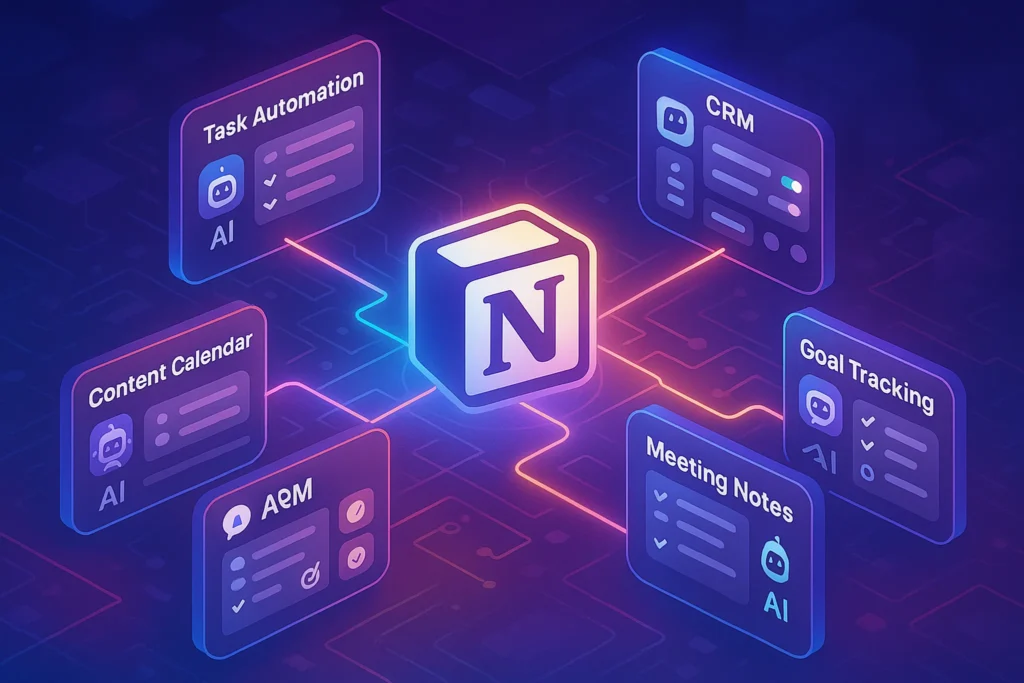
Hybrid teams bleed time when tasks live in multiple systems. Consolidate project plans and personal tasks in a single pane where context, docs, and decisions live together. Notion has matured into a hybrid hub for projects, docs, and lightweight databases—excellent when you want flexible structures and AI-assisted summaries. ClickUp and Asana shine when you need formal workflows, cross-team dependencies, and reporting. The key is to codify handshake points: every task with two or more stakeholders needs a clear owner, definition of done, and linked decision record. AI can now surface “stuck” tasks, draft updates, and prompt owners—if your data model is tidy.
For a non-AI counterweight, some teams prefer opinionated, stable tools that resist scope creep. When you need a simple, human-first collaboration layer without the AI frosting, see our roundup of Top Non-AI Collaboration Tools for Remote Teams to simplify where it makes sense.
💬 Communication & Collaboration: Right Channel, Right Depth
Slack and Microsoft Teams remain the heartbeat of hybrid conversations, but the win comes from usage design. Adopt channel prefixes for projects vs. announcements, and reserve “@channel” for true urgency. Threaded updates plus a daily async check-in reduce the compulsion to meet. Pair chat with Loom for rich async demos and “show, don’t tell” updates—particularly useful on home days when quick visual context replaces a 30-minute call. In the office, small huddles can resolve issues faster; capture outcomes in writing so remote colleagues aren’t excluded. When agile ceremonies drift into status theater, move them to async video + written decisions and reclaim that hour.
If you’re evaluating AI add-ons (summaries, highlights, action extraction), define a review ritual: humans confirm the AI’s “decisions captured” list before it’s posted to the project tool. That small loop converts AI convenience into trustworthy record-keeping, which means faster onboarding and fewer “what did we decide?” pings.
🎯 Focus & Time Management: Attention Is Your Scarce Asset
Hybrid drains attention through micro-interruptions at home and ad-hoc syncs at the office. Tools like RescueTime (behavioral analytics) and Motion (calendar-task fusion with AI scheduling) make the invisible visible and then help you act. A simple, powerful practice: schedule a daily 90-120 minute deep-work block and let the system auto-reschedule meetings around it. Pair that with a frictionless “focus mode” that mutes notifications except from a short VIP list. On in-office days, time-box “collisions” by setting collaborative windows; on home days, build a startup ritual that flips you into execution quickly. If you struggle with focus at home, our guide on Work-from-Home Productivity includes environmental tweaks and habit stacks you can implement in 15 minutes.
💡 Nerd Tip: Focus metrics should be humane, not punitive. Aim for two meaningful deep-work blocks daily, not perfect time tracking.
📄 Documents & File Sync: Decisions Must Be Discoverable
Hybrid friction often hides in documents—version sprawl, private drive silos, and meeting notes that never graduate into decisions. A robust stack uses a single suite (Google Workspace or Microsoft 365) plus a shared taxonomy: decision docs, design docs, runbooks, and retros, each with owners and review cadences. If you use Notion for project hubs, link canonical docs into those pages and vice versa. Dropbox or Drive remain reliable for file sync; the key is shared spaces with default visibility and retention rules. AI is now strong at summarizing docs, but set standards: every important doc begins with a 5-line executive summary and ends with a clear “Decision / Next Steps” section so humans and AI can extract the signal consistently.
🧪 Best Hybrid-Ready Tools in 2025 (What Actually Moves the Needle)
🧠 Notion AI — One Hub for Work That Persists
Notion’s strength in hybrid is its unification: project boards, meeting notes, knowledge bases, and AI assistance in one surface. When teams standardize on page templates—decision records, handoff summaries, weekly briefs—Notion AI can auto-draft recurring updates, propose action lists from notes, and keep a persistent narrative of the project. The magic is compound: fewer tabs, faster onboarding, and less ambiguity. To avoid bloat, define which artifacts live in Notion vs. your office suite, and link rather than duplicate.
🕒 Clockwise — Scheduling That Protects Deep Work
Clockwise earns a slot because it defends maker time amid hybrid chaos. It clusters meetings, respects office days, auto-aligns recurring events, and negotiates time zones. The practical result is fewer chopped-up afternoons and more 90-minute blocks where real work happens. Pair Clockwise with explicit team rules—no meetings before 10:00 on home days, hard caps on weekly total meeting hours—and you’ll feel the difference within two cycles.
🧩 Miro / FigJam — Whiteboards That Bridge Spaces
In-office collaboration thrives on whiteboards; hybrid teams need that spontaneity and persistence. Miro and FigJam turn messy sketches into durable artifacts: story maps, service blueprints, retrospective boards. Use them to turn office-day jams into async canvases for remote colleagues. The trick is closing the loop: link the board to a decision doc and project tasks the same day, so energy captured in the room becomes momentum across the week.
🔔 Slack AI — Async That Respects Attention
Slack’s AI features can distill long threads, surface unresolved questions, and propose action items. The productivity win is less “magic” and more consistency: summaries posted to the project channel, action lists synced to tasks, and a weekly digest that replaces status meetings. Establish a human confirmation step for anything that changes scope or dates; AI is a powerful assistant, not a decider.
🎥 Loom — The 5-Minute Meeting Replacement
Loom thrives in hybrid because it travels across time. A five-minute walkthrough beats a meeting when you’re sharing context, reviewing a design, or proposing an approach. Require a one-sentence title, a two-sentence summary, and links to the relevant docs so the video becomes a searchable knowledge atom. You’ll reduce real-time meetings without sacrificing clarity—and you’ll onboard newcomers faster, too.
💡 Nerd Tip: Tool selection is half the battle. The other half is rituals: templates, naming, and review cadences that help humans—and AI—do the right thing by default.
🤖 How AI Is Enhancing Hybrid Productivity (Without the Hype)
AI’s 2025 value in hybrid work shows up in four dependable ways. First, smart scheduling: assistants coordinate meeting windows across time zones, shift non-critical calls off deep-work blocks, and protect maker time without creating social friction. Second, meeting intelligence: summaries, highlights, and action extraction turn transient conversations into durable outputs. Third, task triage: AI sizes work, flags blocked items, and drafts check-ins that keep momentum without nagging. Fourth, knowledge surfacing: semantic search finds the right doc or decision record, not just the most recent. The caveat is trust—hallucinations still happen. Teams that get compounding value run a light verification ritual (30–60 seconds) on AI outputs that affect scope, budget, or timelines.
A realistic benchmark from mature teams: expect 8–12% fewer synchronous meeting hours and 10–15% faster cycle times on routine tasks once AI summaries, scheduling, and triage are embedded into daily rituals. You’ll feel it as smoother weeks, not dramatic headlines—fewer context resets, clearer handoffs, and a calendar that stops fighting you.
For a deeper dive into AI picks specifically for remote collaboration, pair this with Best AI Tools for Remote Team Collaboration and contrast them with Top Non-AI Collaboration Tools for Remote Teams to avoid tool sprawl.
🧩 Pro Tips for Choosing the Right Toolstack
🧼 Less, But Better: Beat Tool Sprawl Before It Starts
Every additional app adds cognitive overhead, redundant notifications, and another place for tasks to hide. Choose a primary surface for each pillar—calendar, tasks, docs, comms—and hold the line. When a team wants a new tool, ask which old one it replaces and how data will migrate. Document a “this belongs here” guide so people know where to put things the first time.
🔗 Integration > Features: Design the Flow, Not Just the Stack
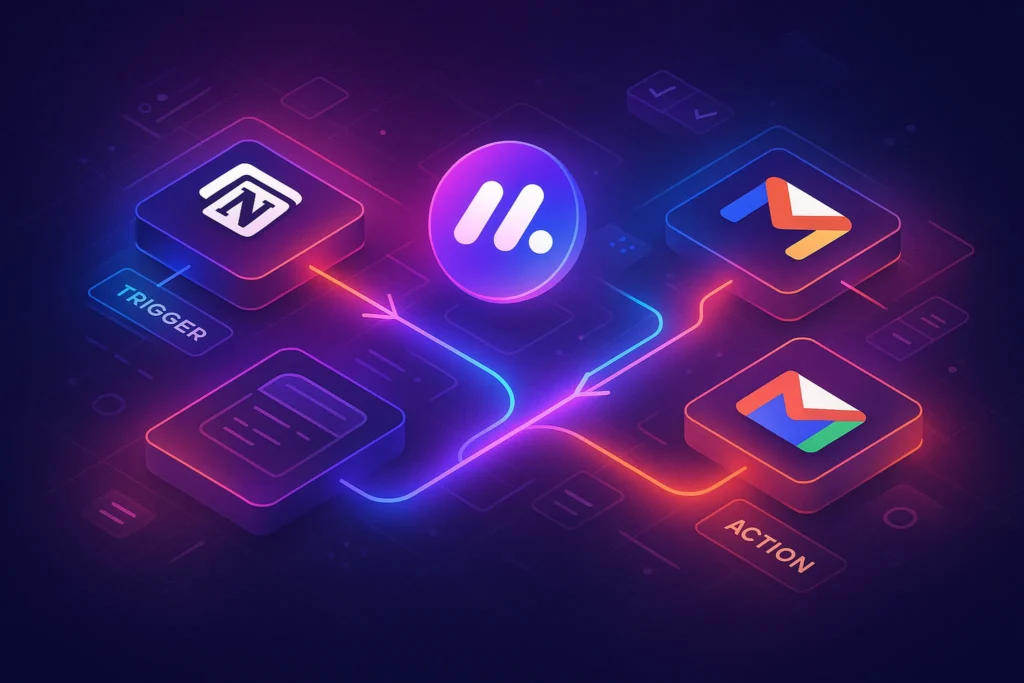
Winning stacks behave like one system. Connect your calendar to tasks, your comms to project updates, and your meeting notes to decisions. Consider Zapier/Make or native connectors to keep the loop tight, but keep automations legible—future teammates should be able to understand the pipeline without spelunking. Where AI fits, let it draft, summarize, and surface—not silently mutate deadlines.
🛡️ Security & Compliance: Hybrid Adds New Edges
Home networks, personal devices, and office gear create mixed environments. Standardize SSO, require MFA, and favor shared spaces over private drives. Set retention and access rules so knowledge persists beyond individuals. Security is part of productivity in hybrid: when the system is safe by default, people stop inventing ad-hoc workarounds that cost time later.
If you’re formalizing these practices at the team level, anchor behaviors with the cultural moves in Hybrid Work Mastery so tools and norms reinforce each other.
⚡ Ready to Build Smarter Workflows?
Explore AI workflow builders like HARPA AI, Zapier AI, and n8n plugins. Start automating in minutes—no coding, just creativity.
📊 Mini Comparison (At-a-Glance)
| Category | Standout 2025 Pick | Why It Works in Hybrid |
|---|---|---|
| Scheduling | Clockwise | Clusters meetings, protects deep-work blocks, respects office/remote days. |
| Tasks & Projects | Notion / ClickUp / Asana | Single source of truth with AI summaries and clean handoffs. |
| Comms | Slack / MS Teams | Threaded async updates + AI recaps reduce status meetings. |
| Async Video | Loom | 5-minute walkthroughs replace routine meetings, stay searchable. |
| Whiteboards | Miro / FigJam | Office energy captured and continued asynchronously. |
| Docs & Files | Google Workspace / 365 + Notion | Shared taxonomy + decision records; AI for summaries. |
| Focus & Time | RescueTime / Motion | Make attention visible; calendar-task fusion guards focus. |
💡 Nerd Tip: Use this table to remove tools before you add them. If two apps claim the same box, consolidate.
🔮 Future Outlook (2025–2030): What’s Coming for Hybrid Teams
Three trends will shape the next five years. First, AR/VR collaboration will quietly become normal in specific workflows—design reviews, training, incident response—where spatial context matters. Expect lightweight headsets that pair with your existing stack rather than replace it. Second, AI will graduate from summaries to agents that execute low-risk tasks: book rooms, draft agendas, file updates, and reconcile calendars across teams. The UI will feel like “persistent teammates” living inside your tools. Third, unified hybrid dashboards will emerge—one place to see tasks due today, scheduled deep-work windows, decisions awaiting review, and the handful of messages that truly need attention. The goal is not more visibility but better prioritization. As these mature, the best teams will look calm from the outside because the system keeps the noise out where it belongs.
If you want the human side of this transformation—rituals, etiquette, and leadership moves—bookmark Hybrid Work Mastery for a companion roadmap.
🧪 Mini Case Study: Halving Meetings with Clockwise + Loom
A seven-person marketing team was drowning in syncs—twelve meetings per week, many rehashing context for people who missed the first call. They piloted a simple change: Clockwise to cluster meetings into two office afternoons and protect 90-minute deep-work blocks each morning, plus Loom for creative reviews and campaign updates. Within four weeks, weekly meetings dropped from twelve to six without slowing velocity. Designers shipped earlier because feedback arrived as short videos they could watch during focus windows. Managers stopped chasing status; Notion pages with executive summaries replaced live walk-throughs. The win wasn’t just fewer meetings—it was smoother momentum.
💡 Nerd Tip: Pilot one pattern at a time. Measure baseline hours, run two weeks, review, then expand. Tiny, durable wins beat sweeping rollouts.
🛠️ Troubleshooting: Common Hybrid Frictions (and Simple Fixes)
If your stack feels heavy, you likely have tool sprawl. Name an “application owner” per pillar and prune quarterly. When adoption lags, the fix is teaching by doing: embed templates in the tools, record 3-minute Looms showing the “happy path,” and explicitly retire old spaces. If home distractions derail you, tether focus apps to the calendar; Motion or Clockwise can mark deep-work time and trigger device-level Do Not Disturb. In globally distributed teams, combine a rotating meeting window with an ironclad async ritual: daily written updates posted by a specific time and summarized weekly. For a full playbook on time-zone fluency, see Pro Tips for Managing a Remote Team Across Time Zones.
📬 Want More Smart AI Tips Like This?
Join our free newsletter and get weekly insights on AI tools, no-code apps, and future tech—delivered straight to your inbox. No fluff. Just high-quality content for creators, founders, and future builders.
🔐 100% privacy. No noise. Just value-packed content tips from NerdChips.
Read More
-
Strategy & norms: Hybrid Work Mastery: Thriving Between Home and Office
-
AI collaboration picks: Best AI Tools for Remote Team Collaboration
-
Simpler, stable stack options: Top Non-AI Collaboration Tools for Remote Teams
-
Time-zone playbook: Pro Tips for Managing a Remote Team Across Time Zones
-
Home-day focus: Work-from-Home Productivity: How to Stay Focused
🧠 Nerd Verdict
Hybrid work shines when the stack reinforces cadence: office for alignment and creative collision, home for deep execution and clean handoffs. In 2025, the winning approach isn’t maximalist; it’s cohesive. One calendar that protects attention, one task surface that captures decisions, one comms layer that prefers async, and a doc system where knowledge persists. Sprinkle AI where it compounds—scheduling, summaries, triage—and insist on light verification for anything consequential. Do this and your weeks feel calmer, your projects move faster, and your team looks like it has more hours than everyone else.
❓ FAQ: Nerds Ask, We Answer
💬 Would You Bite?
If choosing the right stack could give you back five hours next week, which pillar would you optimize first—calendar, tasks, or async updates?
Reply with your current pain point and we’ll design a 7-day mini-pilot you can run immediately.
Crafted by NerdChips for creators and teams who want their best ideas to travel the world.