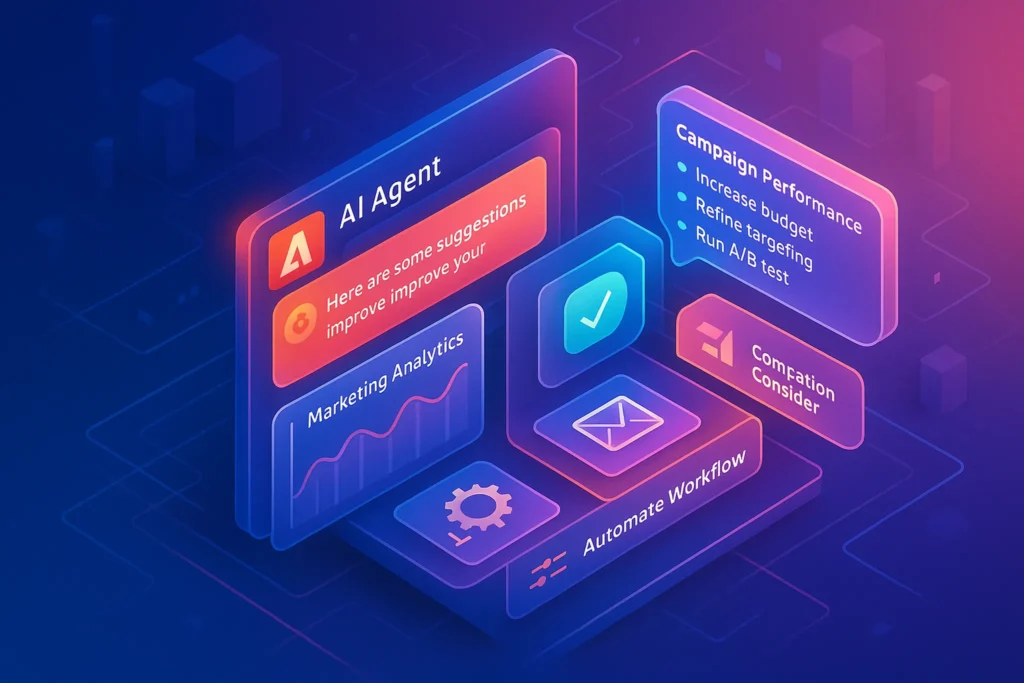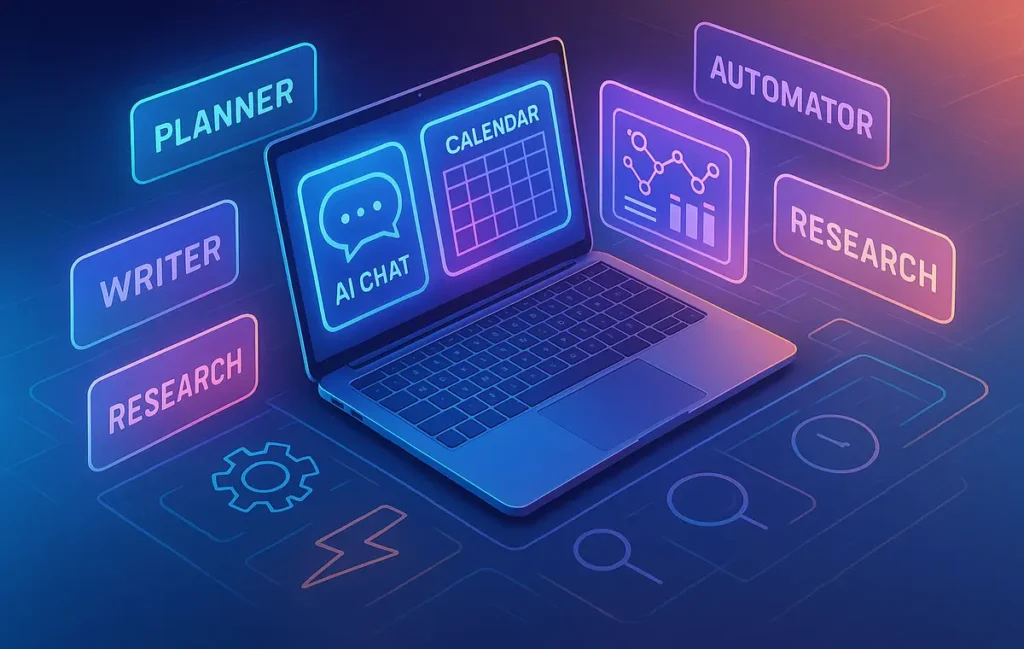
The best AI productivity tools for solo entrepreneurs act together as a “one-person OS”: a thinking copilot, task automator, writing assistant, research compressor, and focus guard. When these roles are covered by a small, well-chosen stack, AI doesn’t just speed you up — it quietly behaves like a tiny team around you.
🚀 You’re the CEO, CMO, Ops… and the Intern
If you’re a solo entrepreneur, your job description is ridiculous. You’re the CEO who sets the vision, the CMO who writes the copy, the ops person who builds the systems, and the intern who cleans up inbox chaos at 11:47 p.m. The worst part isn’t just the workload; it’s the context switching and mental load. You can feel “busy” all day and still end the week wondering what actually moved the business forward.
AI showed up promising to fix that, but the reality for many solopreneurs is… messier. You test a dozen tools, bookmark a few “AI-Powered Productivity Hacks,” and maybe skim articles like Best AI Tools for Solopreneurs – Run Lean, Scale Smart, but everyday life still feels fragmented. The wrong AI stack can actually make your attention more scattered, not less.
This guide takes a different angle. Instead of throwing 50 tools at you, we’ll design a one-person operating system: a small group of AI tools, each with a clear role inside your day. Think of it as assembling a tiny, invisible team around you — one that helps you think, plan, execute, automate, and stay focused. At the end, you’ll know exactly which categories you need and how they fit together from morning planning to evening shutdown.
💡 Nerd Tip: Don’t ask “Which AI tools are best?” Ask “Which roles in my day deserve an AI sidekick?”
🧠 What “AI Productivity” Really Means for Solopreneurs
When big companies talk about productivity, they mean dashboards, utilization rates, and process charts. For a solo entrepreneur, productivity is much more personal and fragile. It’s about getting hard, strategically important work done while your brain is being attacked by notifications, invoices, and tiny admin tasks that feel urgent but rarely matter.
“AI productivity” for a solo operator should be measured by three things. First, faster decision-making: are you moving from “What do I do next?” to “This is clearly the next right move” more quickly? Second, fewer repetitive tasks: is your calendar, inbox, and admin work increasingly handled by rules and automations instead of raw willpower? Third, deeper focus on needle-movers: does your AI stack protect your attention so you can stay longer in tasks that actually grow revenue, brand, or product?
Articles like How AI is Transforming Productivity often show the macro side, but at the micro level you’ll feel it as less cognitive friction. Instead of starting your day triaging chaos, your AI planner gives you a clean daily brief. Instead of manually copying data between apps, an AI-powered automator quietly routes things. Instead of losing an hour to a rabbit hole of research, an AI research assistant compresses information into action-ready notes.
The key is direction: AI should remove friction between intention and action, not simply speed up busywork. If you end the day exhausted with more “done” items but no progress on the big stuff, your stack is misconfigured.
🧩 Selection Principles: How to Choose AI Tools That Don’t Overwhelm You
With new AI tools dropping every week, “tool FOMO” is a real tax on solo founders. You install everything, commit to nothing, and end up managing tools instead of running your business. A smarter approach is to adopt a few selection principles that protect you from complexity creep.
The first principle is “few, but deep.” An AI tool becomes valuable when it integrates into your daily loops, not when it sits as a bookmark. If a tool can cover multiple roles — like thinking, planning, and writing — lean into that depth rather than stacking five narrow tools that each do one thing. A single, well-integrated AI workspace, layered on top of your existing system, is often worth more than a dozen specialized apps.
Next is integration and latency. Your AI should live where your work already happens. That might mean AI embedded in your notes and task manager, AI in your browser, or AI living inside your communication tools. If you constantly have to copy-paste between systems, or wait several seconds for responses, you’ll eventually stop using it. This is where comparisons like AI vs Traditional Productivity Tools become real: AI wins when it’s closer to your workflow, not just “smarter.”
You also need to think about data control and learning curve. As a solo founder, your notes, client details, and strategy docs are your edge. You should feel comfortable with where data goes, how it’s stored, and how easily you can export it later. And since you’re wearing every hat, a tool that takes weeks to master is quietly stealing runway from your actual business. The ideal tools give you value on day one and deeper power over time.
💡 Nerd Tip: Before adopting any AI app, ask: “Can I explain what role this tool plays in one sentence?” If not, you probably don’t need it.
🧭 Role #1 – AI Thinking & Planning Copilot
The first role in your one-person OS is a thinking and planning copilot. This isn’t just a chatbot; it’s the place where your ideas get unpacked, projects get broken down, and vague ambitions turn into concrete plans. You can think of it as your “founder brain extension.”
Practically, this looks like a chat-style AI paired with a structured workspace. You might have a recurring weekly review where you dump everything that’s on your mind into the AI, from new product ideas to worries about cash flow. Together, you break those into projects, milestones, and next actions. Over time, you can teach your AI copilot how you like to plan: whether you’re more of a time-blocking person, or you prefer Kanban boards, or you run your life off a simple list.
This is also where you simulate decisions before you commit. Instead of endlessly weighing options alone, you can ask your AI to outline second-order effects, hidden risks, or alternative strategies. When paired with the ideas you’ll find in Best AI Tools for Solopreneurs – Run Lean, Scale Smart, your planning copilot becomes the difference between “reactive firefighting” and “deliberate weeks with a clear spine.”
The crucial step is integration with your task manager and calendar. After each planning session, your AI should help you shape a doable plan: which three outcomes define a good week, which blocks of time are reserved for deep work, and which admin tasks get auto-scheduled or delegated to automations. The tool doesn’t live in isolation; it becomes the front door to your operating system.
🤖 Role #2 – AI Task Automator (Your Quiet Back-Office)
If your planning copilot guides the “what” and “why,” the AI task automator handles the “when” and “where” — without you manually dragging information between apps. This is where automation platforms and AI meet: routing emails to tasks, syncing forms to CRM, creating daily briefs from calendars, and tagging things so future-you can find them.
For a solo entrepreneur, the big win here is removing repetitive work that doesn’t require your judgment. Imagine new client inquiries automatically creating structured records, tagging their source, and preparing a follow-up draft. Or invoices tagged and logged as soon as they hit your inbox. Or meeting notes converted into tasks assigned to specific days.
The AI layer adds intelligence to what used to be rigid rules. Instead of “If subject contains ‘invoice’ then label X,” you can have “If this email looks like a payment issue, summarize it and flag it as urgent.” That means fewer edge cases that slip through the cracks. An AI can also clean up messy data, normalize fields, and produce human-readable summaries so your systems stay usable.
From a productivity standpoint, the test is simple: over the next month, do you touch fewer low-leverage tasks? When your automator is tuned well, you should spend less time copy-pasting, formatting, and categorizing and more time in deep, creative work. And yes, this connects directly to the mindset you might have built reading pieces like AI-Powered Productivity Hacks: Tools That Actually Save Hours — except now the hacks are part of your permanent stack, not isolated tricks you forget after a week.
💡 Nerd Tip: Start by automating tasks you already do consistently. Don’t design automations for a “future ideal you” that doesn’t exist yet.
✍️ Role #3 – AI Writing & Communication Assistant (Without Losing Your Voice)
Communication is where many solo founders lose days. Emails, proposals, landing pages, support replies, follow-ups, social posts — each one pulls you out of focused work and into small, energy-draining decisions. A good AI writing assistant doesn’t replace your voice; it removes the friction between your thoughts and the final message.
The trick is to think in drafts and patterns rather than “AI will write the whole thing.” You can maintain a living library of your brand’s tone, phrases you like, and examples of strong past messages. When you need a new email or landing page section, the AI starts with that library and builds a first draft. You then do the final pass, adding nuance, stories, and specifics that generic AI can’t know.
This is powerful in inbox triage too. Instead of staring at a wall of emails, you can have AI group them by intent, generate short summaries, and propose responses. You might accept some as-is, tweak a few, and ignore others entirely. Over time, this reduces decision fatigue and keeps your communication coherent across channels.
One trader on X summed it up perfectly: “AI doesn’t make my ideas better, but it removes half the excuses between me and actually sending the thing.” That’s the vibe you want. Used well, the tools you’ve seen in guides like AI-Powered Productivity Hacks: Tools That Actually Save Hours become the scaffolding behind your own, human-driven messaging.
Of course, there’s a line. Articles like AI vs Human Creativity: Can AI Really Write Your Next Post? explore it in depth, but the short version is this: let AI accelerate your structure and clarity, but keep ownership over taste and truth. Your audience can feel the difference between authentic and generic.
📚 Role #4 – AI Research & Information Compression
The internet has turned every solo founder into a potential researcher, but it’s also buried us under PDFs, threads, podcasts, and endless YouTube breakdowns. An AI research and information compression assistant is your antidote to “I’ll just open ten more tabs.”
Instead of manually skimming everything, you feed raw information to your AI: long articles, docs, transcripts, and competitor pages. Its job is to compress them into decision-ready insights. That might mean summarizing key arguments, highlighting patterns, or extracting pros and cons for different strategies. You don’t abdicate judgment; you just stop spending hours doing mechanical reading.
For product development, this is gold. You can scan competitor positioning, reviews, and feature sets quickly, then ask your AI to surface gaps or underserved angles. For marketing, you can analyze how different brands talk about similar pain points, then intentionally choose where to align or differentiate. For content, you can pull the core questions your audience is asking and design pieces that actually solve them.
This role shines when paired with a solid workflow, similar to the thinking behind “Mastering AI Tools for Faster Blog Post Research (2025 Pro Tips).” The pattern is: collect, compress, then create. Instead of bouncing between half-read tabs, you run structured research sprints where AI digests the first pass, and you come in as editor and strategist.
💡 Nerd Tip: Always end an AI research session with the same question: “What are three concrete decisions I can make based on this?” If you don’t get decisions, you just collected trivia.
⏳ Role #5 – AI Focus Guard & Time-Boxing Helper
The final role in your one-person OS is the one most solo founders overlook: an AI focus guard. Planning is great. Research is great. But if your days still dissolve into shallow work and doom-scrolling, your stack isn’t doing its job.
A focus guard is any AI-supported system that helps you define, protect, and debrief your deep work. It might take the form of an app that asks what you’re working on this session, checks in mid-way, then generates a short reflection and next steps at the end. Over time, it becomes a light-touch coach that nudges you to notice patterns: when you get derailed, how often you switch tasks, and which environments support your best work.
Combine this with time boxing and you suddenly have structure. You can ask your AI planner to propose a daily schedule based on energy levels — creative work in the morning, admin in the afternoon — and then use your focus guard to enforce it. This is where ideas from frameworks like “Time Blocking vs Task Batching” or “Deep Work 101” snap into place. AI isn’t just filling your calendar; it’s helping you actually honor what’s on it.
Some founders even feed their focus summaries back into their weekly review. They can see which days had the most deep work, which tools were distracting, and which types of tasks they consistently avoid. That feedback loop turns vague “I should focus more” guilt into concrete tweaks to your OS.
🧱 Putting It All Together: A Day Inside Your AI Productivity Stack
Let’s make this less abstract. Imagine a typical day running on your AI stack as a solo entrepreneur.
You start the morning not by opening email, but by visiting your AI planning copilot. It already sees your calendar and major projects, so together you define three key outcomes for the day. The tool helps you time-box them into your schedule, leaving space for admin and unpredictables. You leave with a clear, realistic plan rather than a swollen to-do list.
As you work, your AI focus guard guides your deep work sessions. You declare that the next 60 minutes are for finishing a sales page or recording a video. Halfway through, you get a gentle check-in: “Still on track?” At the end, it generates a short summary of what you accomplished and suggests the next step you can schedule for tomorrow. Over days and weeks, this simple loop builds an honest record of where your time goes.
Meanwhile, your AI task automator hums in the background. New leads from your website are cleaned up and added to your CRM. Calendar events are turned into daily briefs with links and context. Emails that match certain patterns — like invoices or support questions — are labeled, summarized, and queued with drafted responses. You’re still in control, but your tools are constantly pre-processing the noise.
When you do need to communicate, your AI writing assistant is there. You sketch rough bullet points for a client update, and it turns them into a clear, structured email in your voice. For a landing page, it proposes a layout and flow based on past pages that converted well. You spend your time editing for truth and nuance, not fighting a blank page.
Throughout the day, your AI research assistant condenses anything heavy. A 40-page market report becomes a short summary with three opportunities. A competitor’s feature page becomes a list of differentiators. Your brain stays in strategic conversation instead of raw data digestion.
By the evening, you close the loop in a short reflection. Your planning copilot and focus guard generate a summary of the day — what moved forward, what got stuck, and what tomorrow’s first move should be. You end the day with clearer closure and less guilt. That’s what a one-person OS should feel like.
💡 Nerd Tip: If your day still feels chaotic, don’t blame AI yet. First ask: “Did I give each role in my OS a specific job today?”
🛠️ Setup Playbook: Start with 3 Tools, Not 13
The fastest way to sabotage your AI stack is to start wide instead of deep. A more sustainable approach is to build a minimal viable OS with just three tools and add others later.
First, choose your planning copilot. This might be a chat-based AI integrated into your notes or a dedicated workspace where you run weekly and daily reviews. Every important thought, decision, and problem flows through this hub. It becomes your central thinking environment instead of a scattered mix of notebooks and apps.
Second, pick an automation layer. You don’t need to automate everything at once; start with one or two high-friction processes. For example, you might connect your contact form to a CRM and use AI to clean up the data, or build a workflow where meeting notes automatically generate tasks. Over time, you expand as you notice repetitive manual work.
Third, commit to one writing and communication assistant. This can live in your browser, email client, or document editor. The key is consistency. Every time you write something important, you involve this assistant — either to start the draft or to refine it. Over time, it learns your tone, and you learn how to prompt it effectively.
Only when these three feel embedded in your day should you expand into more specialized roles like research compression or focus coaching. This keeps your system stable instead of turning into a graveyard of half-adopted tools. NerdChips has seen this pattern again and again: the solopreneurs who win with AI are not the ones with the most tools, but the ones with the clearest OS.
⚡ Ready to Build Your AI Solo OS?
Start with a planner, an automator, and a writing copilot. Then expand into research and focus guards as your system stabilizes. The right AI tools should feel like adding calm, not chaos, to your one-person business.
⚠️ Common Pitfalls: How AI Tools Can Kill Your Productivity
It’s easy to romanticize AI as an automatic upgrade, but solopreneurs share the same horror stories in DMs and X threads: “I spent a week setting up tools and I’m somehow… slower now.” The problem usually falls into a few patterns.
The first is tool hopping. You constantly move between shiny new apps instead of committing to one stack. Every switch resets your habits and data. Instead of feeling like a one-person OS, your system feels like a rotating cast of betas. A better pattern is what we’ve built here: define roles first, then assign tools, and only swap when a tool fails the role.
The second is over-automation of judgment. Some founders go too far, trying to automate decisions that actually require context — like pricing changes, client replies, or hiring choices. This leads to awkward moments where AI-generated messages land wrong, or rules fire in situations they were never meant for. It’s what people mean when they talk about AI “hallucinations” in real life: the model confidently produces something that sounds right but isn’t grounded in your reality.
Another pitfall is subscription creep. You start with one or two tools and suddenly you’re paying for six “pro” plans that overlap heavily. The joke one creator made on X felt painfully accurate: “Did AI boost my productivity? Maybe. Did it also become my second-highest monthly expense? Definitely.” Regularly auditing your stack and consolidating where possible is non-negotiable.
Finally, there’s the subtle trap of performative productivity. You spend hours tweaking prompts, templates, and automation flows because it feels like progress — but your core metrics (revenue, shipping, audience) stay flat. This is where comparing your reality with the ideas in AI vs Traditional Productivity Tools is helpful: the best system is the one you actually use, consistently, when nobody’s watching.
💡 Nerd Tip: Once a month, ask: “If I had to keep only three AI tools, which would I choose?” Design your OS so it would still work with those three.
🟩 Eric’s Note
“I gravitate to tools that quietly reduce cognitive load, not ones that give me dashboards to admire. If a tool doesn’t make your next decision easier or your next deep work block more likely, it doesn’t belong in your solo OS.”
📬 Want More Smart AI OS Tactics?
Join our free NerdChips newsletter and get weekly breakdowns on AI productivity stacks, one-person workflows, and future-proof tools — curated for solo founders who want leverage, not noise.
🔐 100% privacy. No spam. Just practical systems to help your solo business feel less like juggling and more like operating.
🧠 Nerd Verdict: Your Stack Should Feel Like Leverage, Not Homework
At the end of the day, AI isn’t magic; it’s leverage. For a solo entrepreneur, the right stack feels like quietly hiring a handful of reliable assistants who never sleep. The wrong stack feels like being the IT department for ten different startups at once. The difference is not just which apps you choose, but whether you treat them as a system — a one-person OS — rather than isolated gadgets.
NerdChips’ take is simple: if your AI setup doesn’t make it easier to think clearly, execute consistently, and take real breaks without guilt, it’s not done yet. Trim ruthlessly, commit deeply, and design your tooling around the reality of your life, not an aesthetic dashboard. When it clicks, your calendar, inbox, tasks, and ideas will start to feel less like a pile and more like a pipeline.
❓ FAQ: Nerds Ask, We Answer
💬 Would You Bite?
If you had to assign AI to just one role tomorrow — planner, automator, writer, researcher, or focus guard — which role would make the biggest difference to your week right now?
And what’s the first tiny workflow you’re willing to actually commit to for 30 days? 👇
Crafted by NerdChips for creators and solo founders who want their best ideas to travel further than their energy alone.